Choose a photo
Pick a selfie, family picture, old favorite, or any image featuring a person.
Portrait mode for every photo. Find the person automatically, shape the background, and create a portrait worth sharing—entirely on your iPhone.
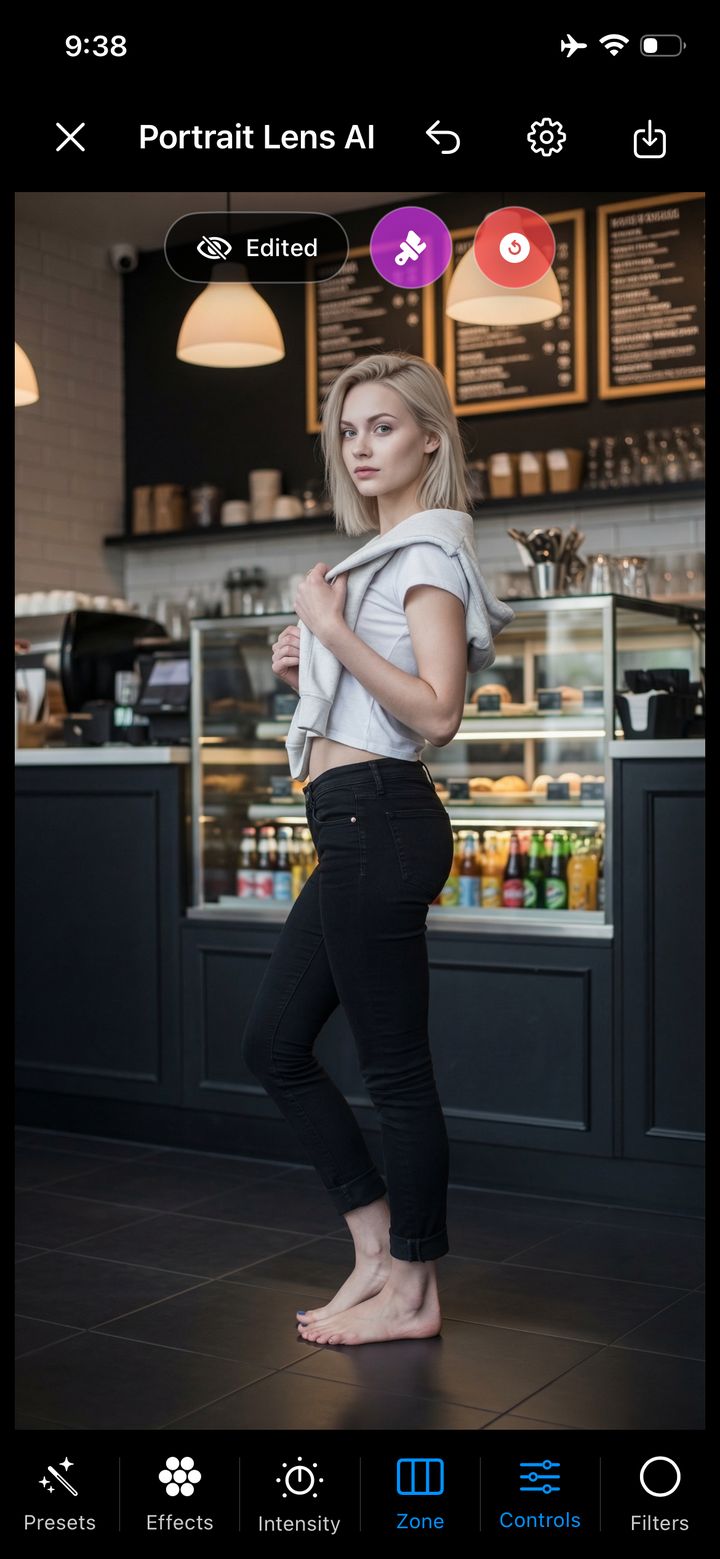
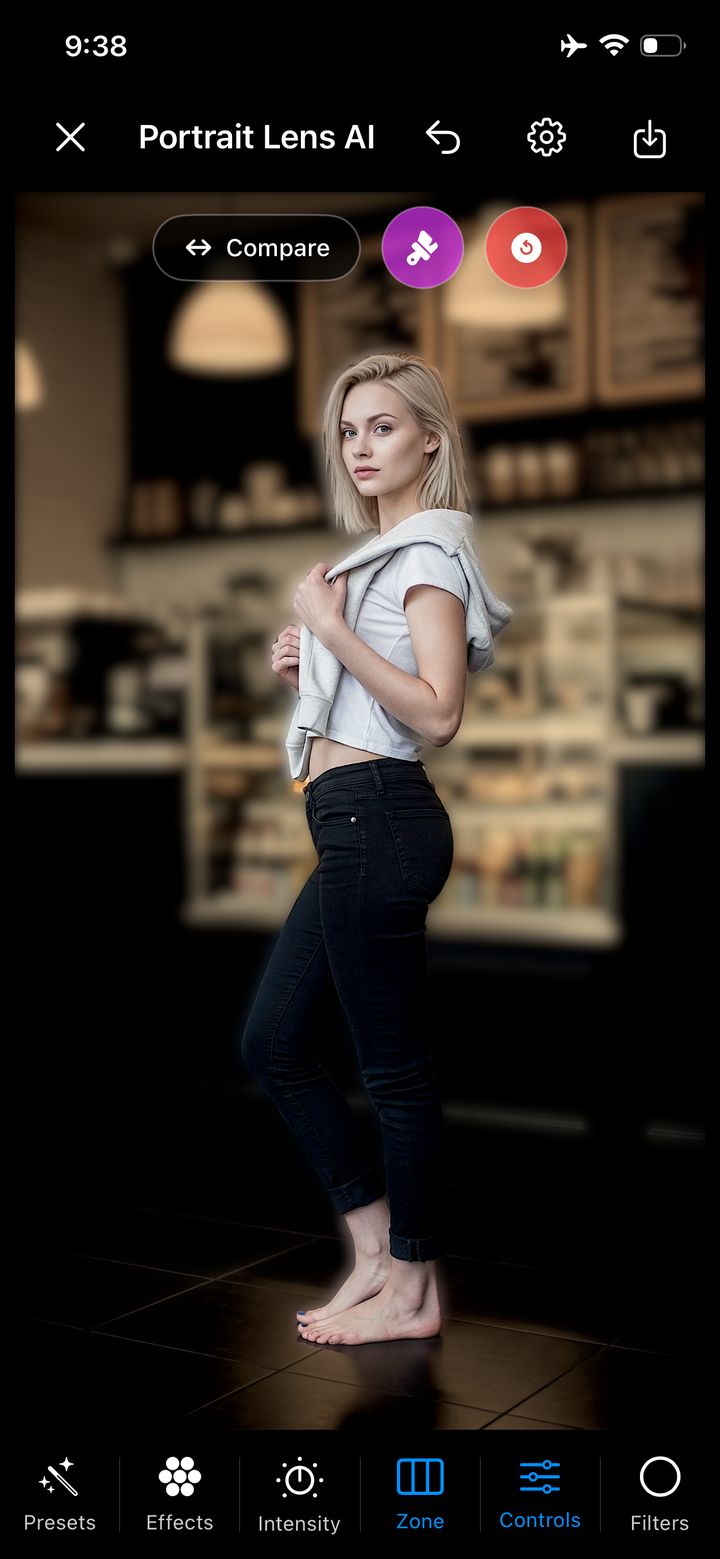
Designed for iPhone
Portrait mode for every photo
Turn an everyday photo into a portrait that knows exactly where the story is. Automatic person detection, cinematic depth, and precise creative control—right on your iPhone.

The portrait is already there
Great portraits are not only about the camera. They are about deciding what deserves attention—and what should quietly fall away.
One photo. A clearer story.
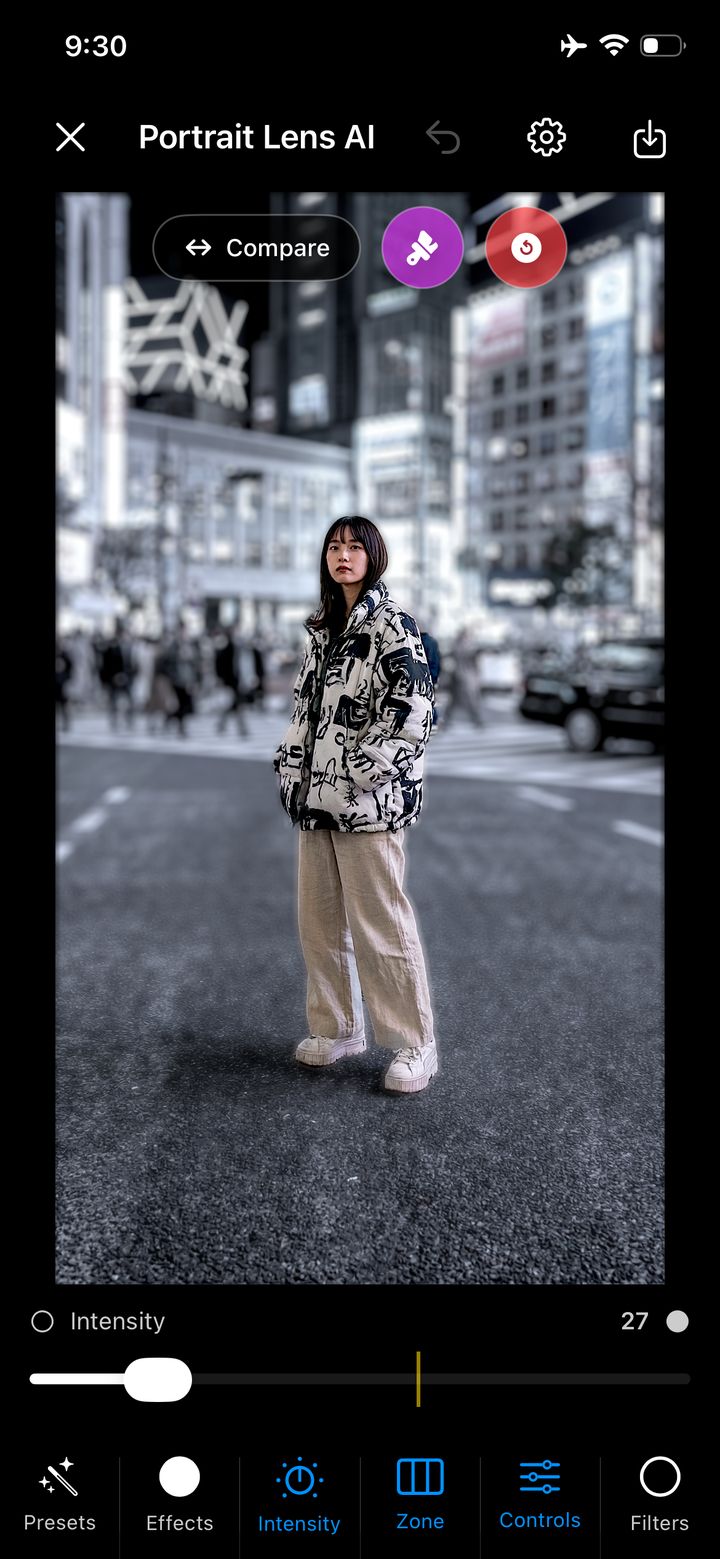
Move the divider to compare the original with the finished portrait. The person stays clear while the city becomes atmosphere.
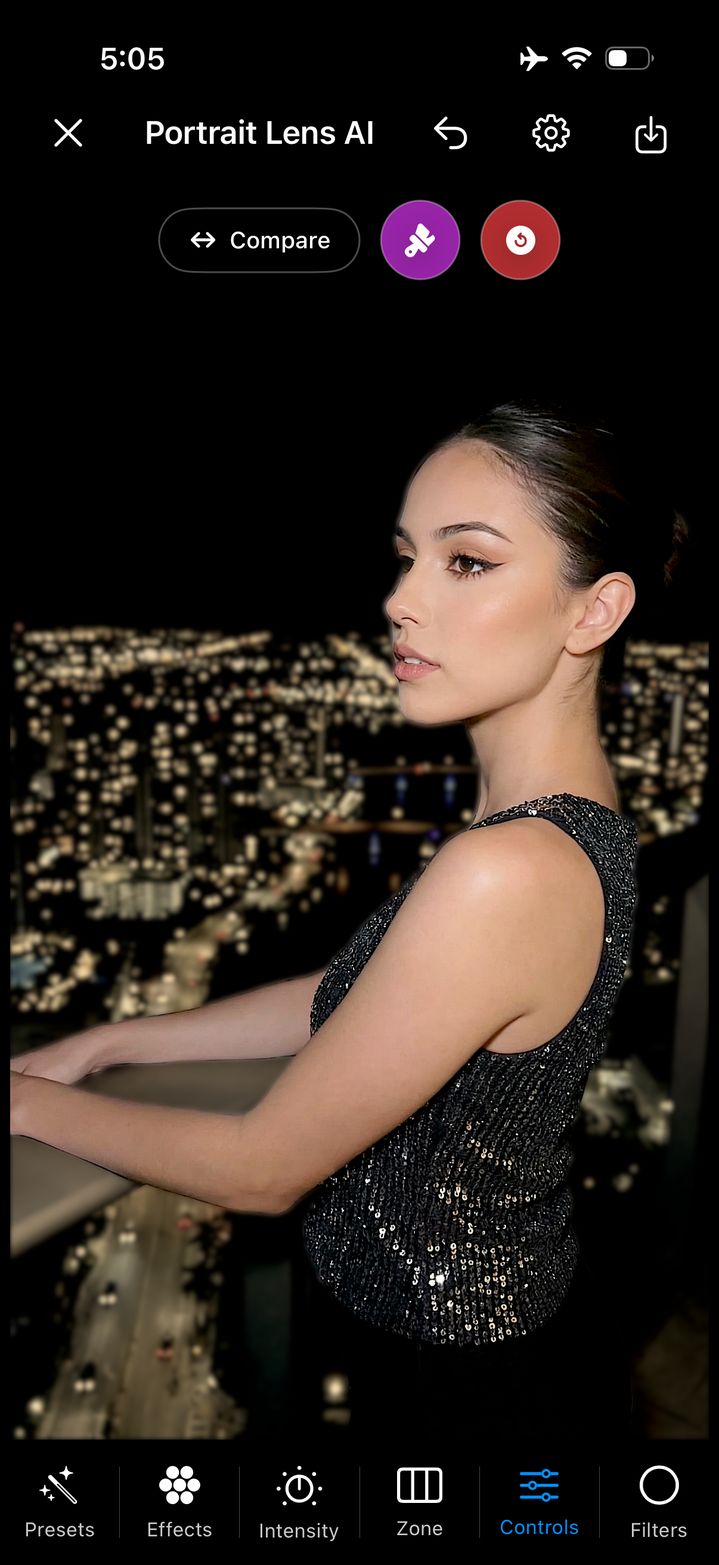
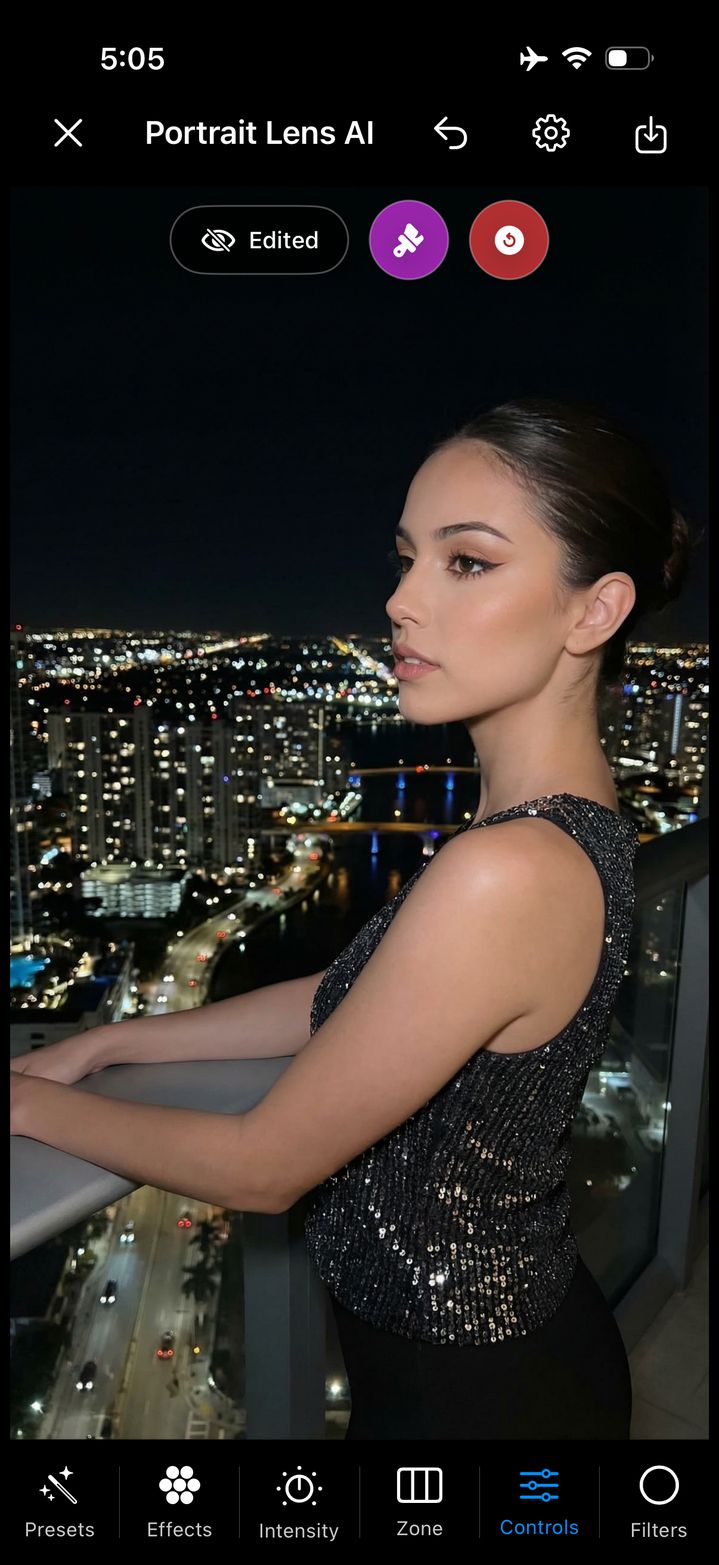
Simple by design
Pick a selfie, family picture, old favorite, or any image featuring a person.
AI finds the person. You set the blur, choose the style, and refine any difficult edge.
Save a new image in Fast or Maximum Resolution. Your original always remains untouched.
Automatic when you want it
Start with a preset or take full control. Portrait Lens AI is approachable on the first edit and powerful on the hundredth.
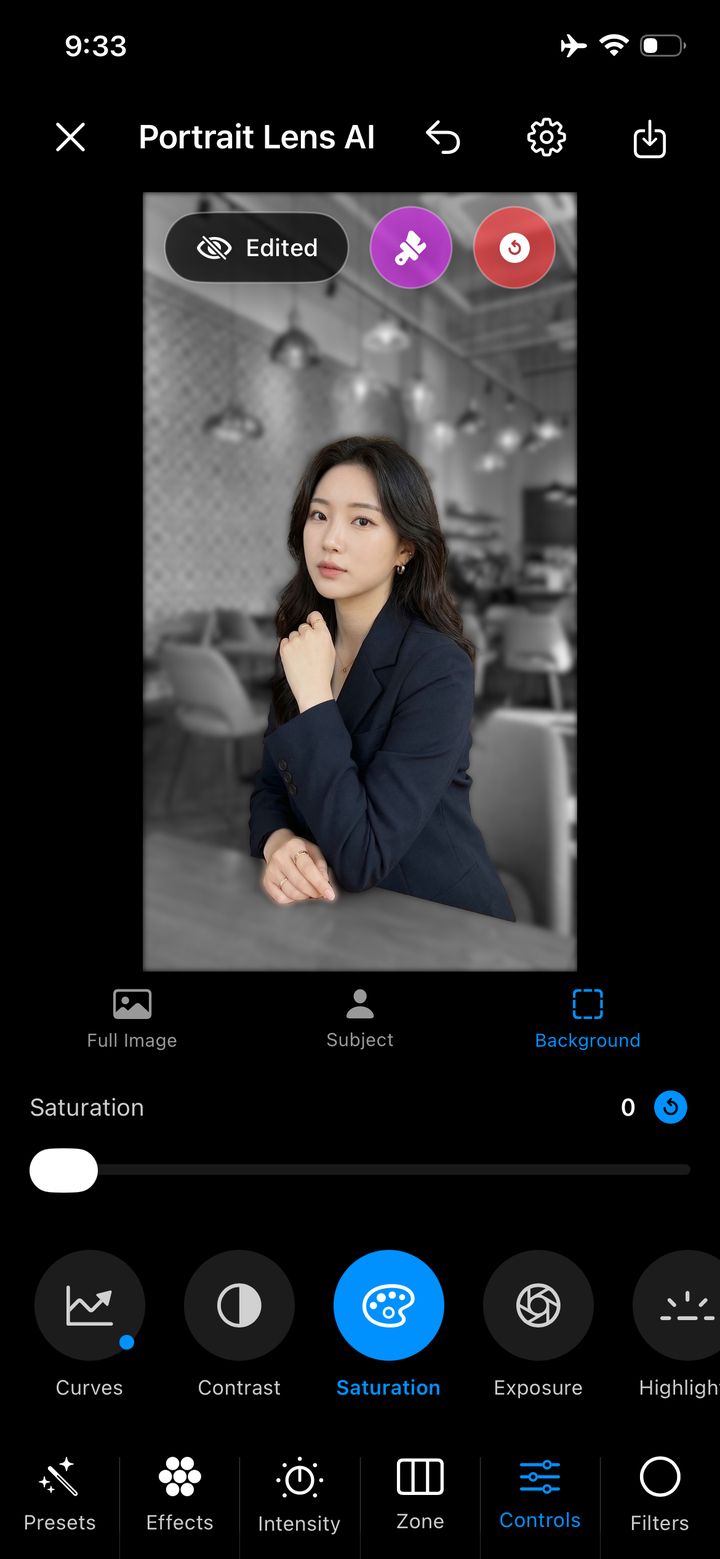
Selective editing
Edit the subject, the background, or the full image independently. Protect natural skin tones while transforming the scene around them.
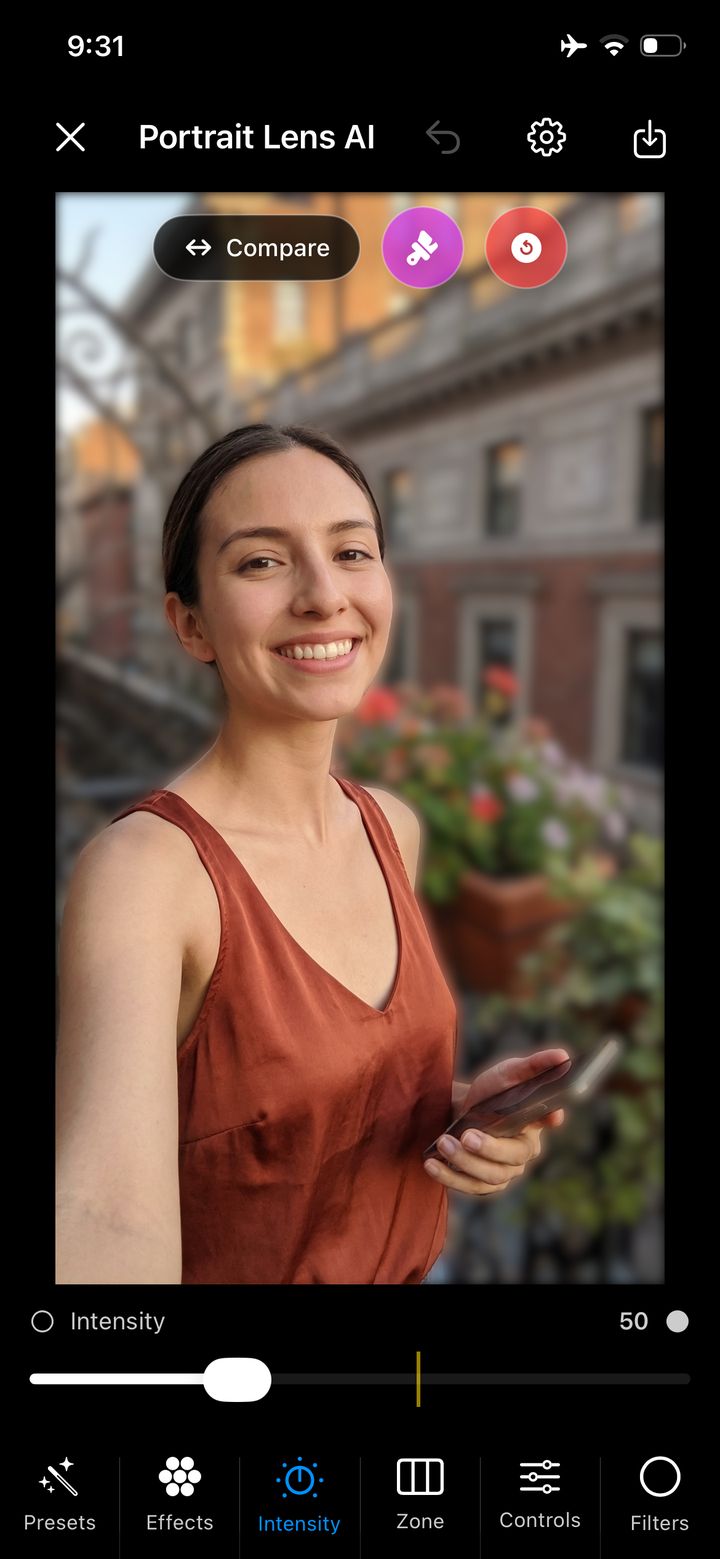
Bokeh that fits the moment
Control intensity, transition, focus area, and advanced bokeh styles without leaving the iPhone.
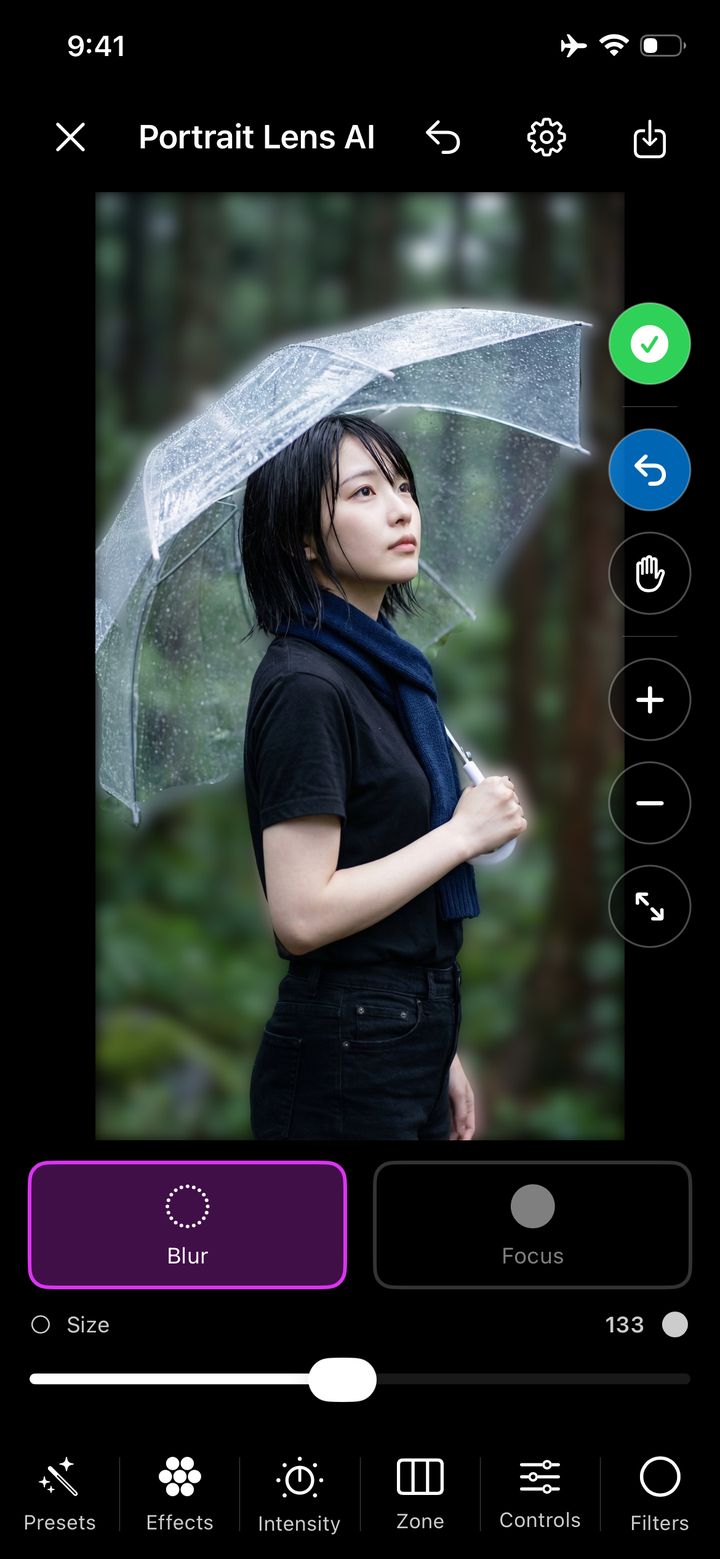
Manual refinement
Zoom in, change brush size, then paint exactly what should stay focused or become blurred.
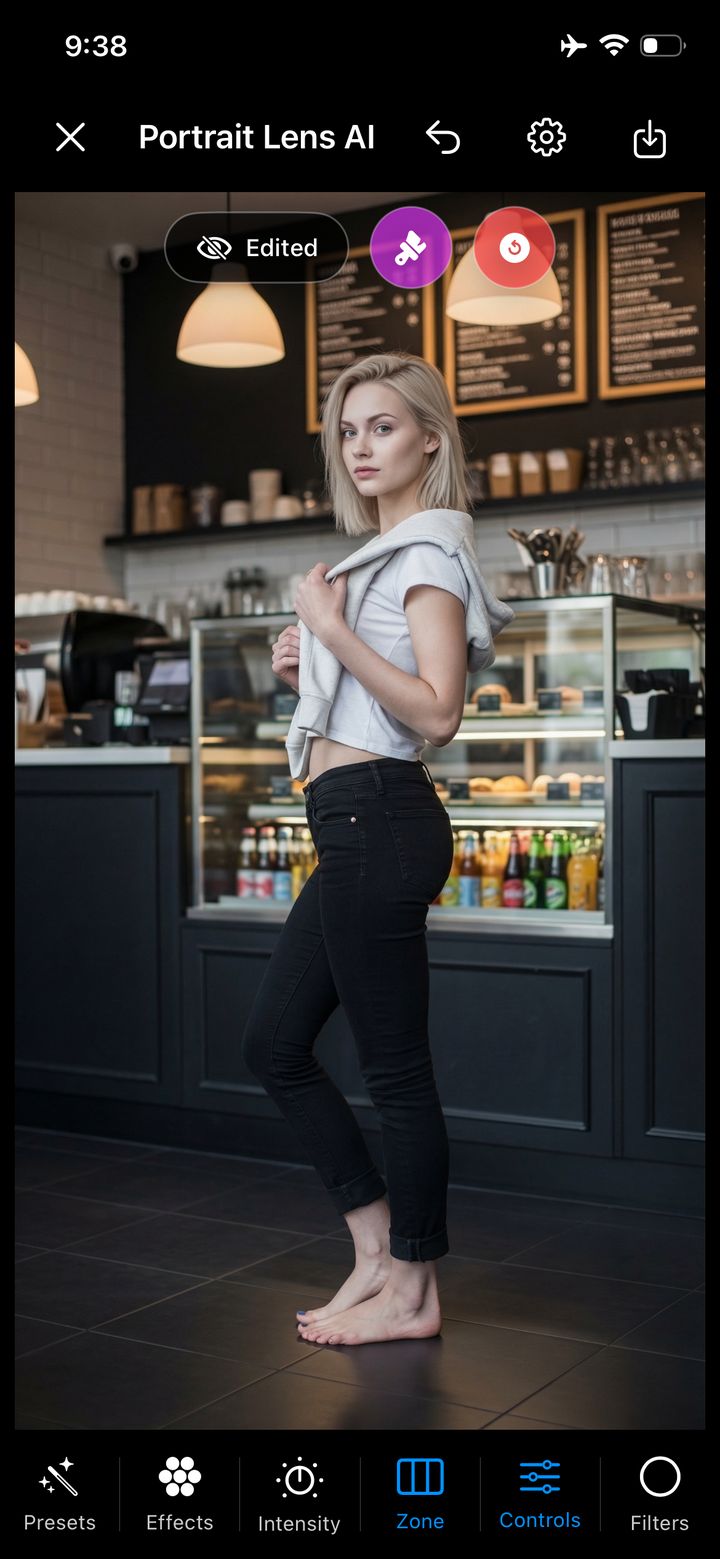
A complete portrait toolkit
30 presets, 20 filters, RGB curves, exposure, contrast, highlights, shadows, temperature, tint, sharpness, vibrance, and more.
Inside the app
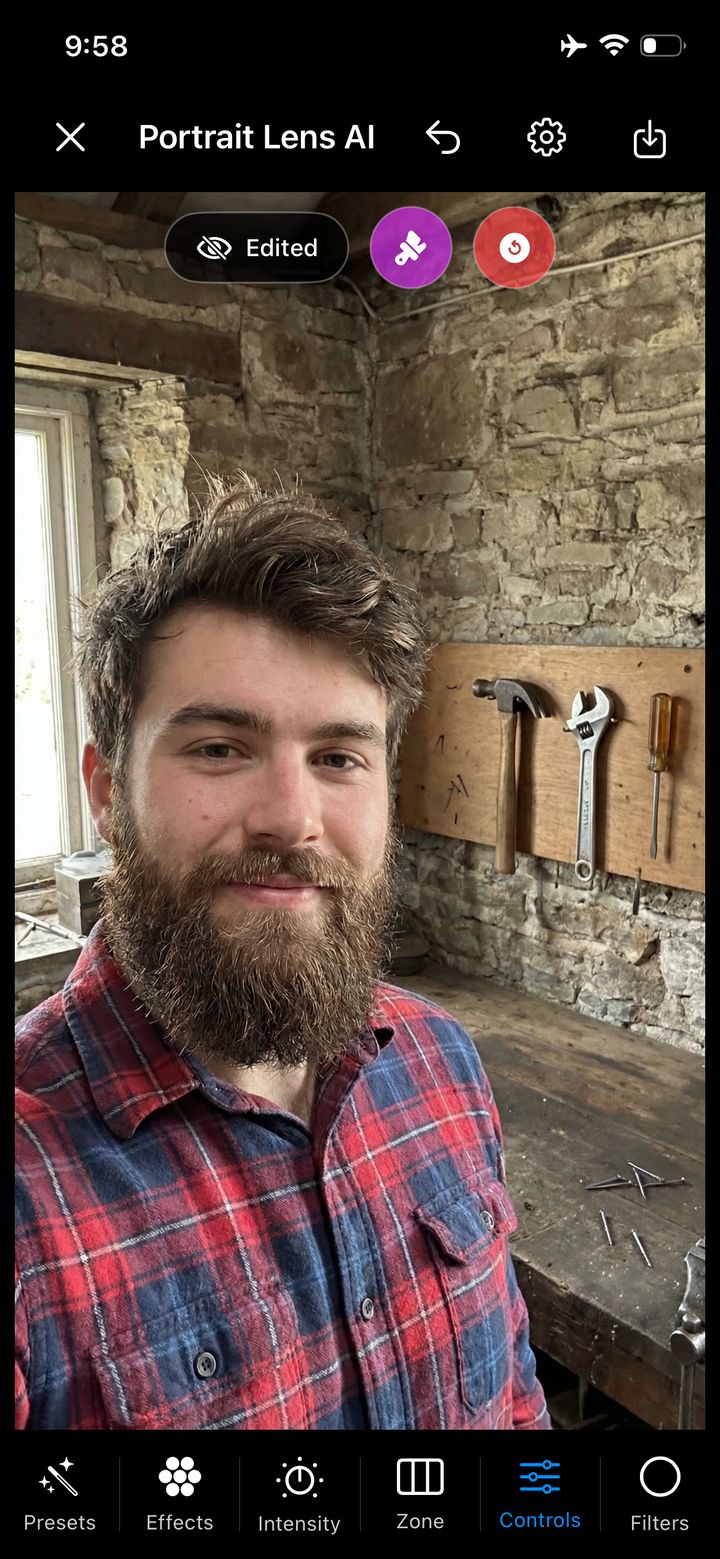
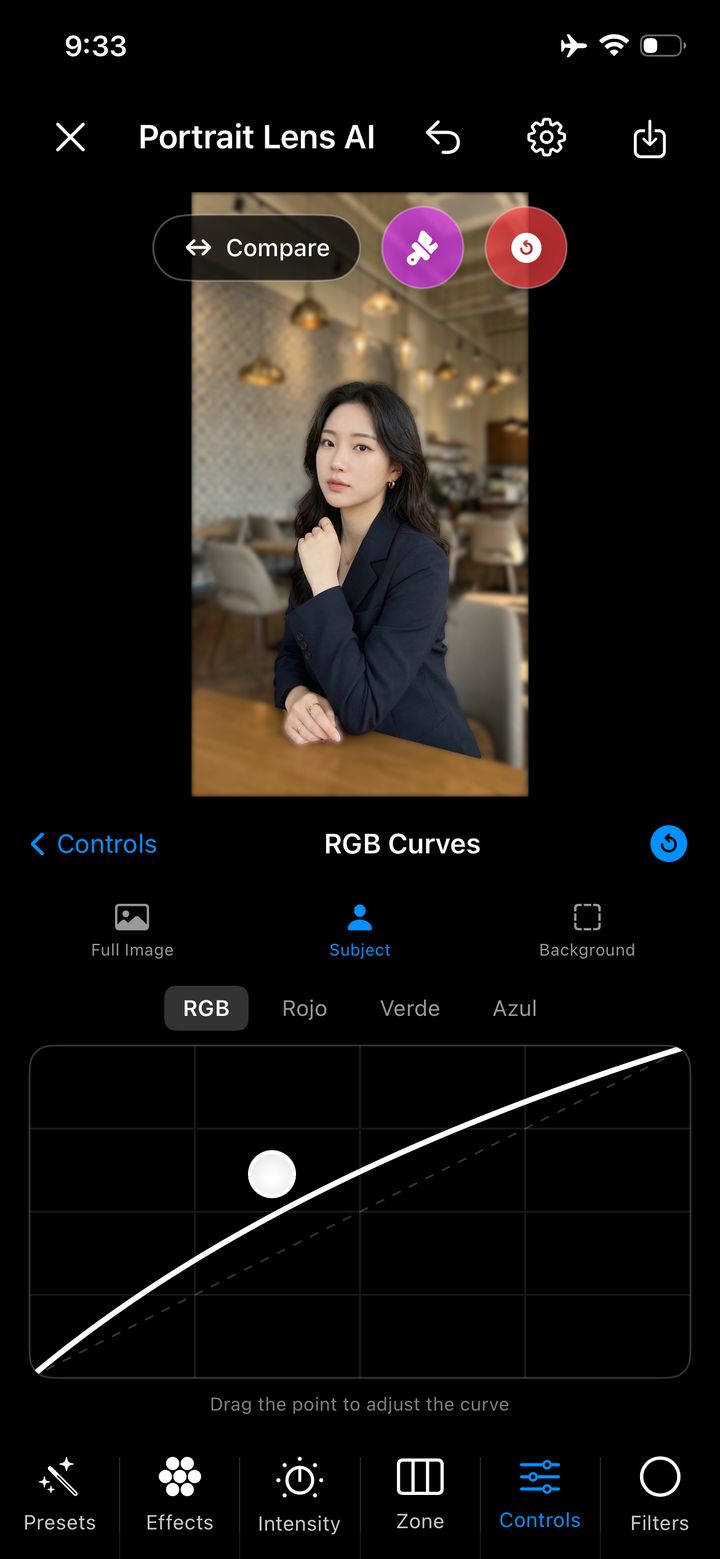
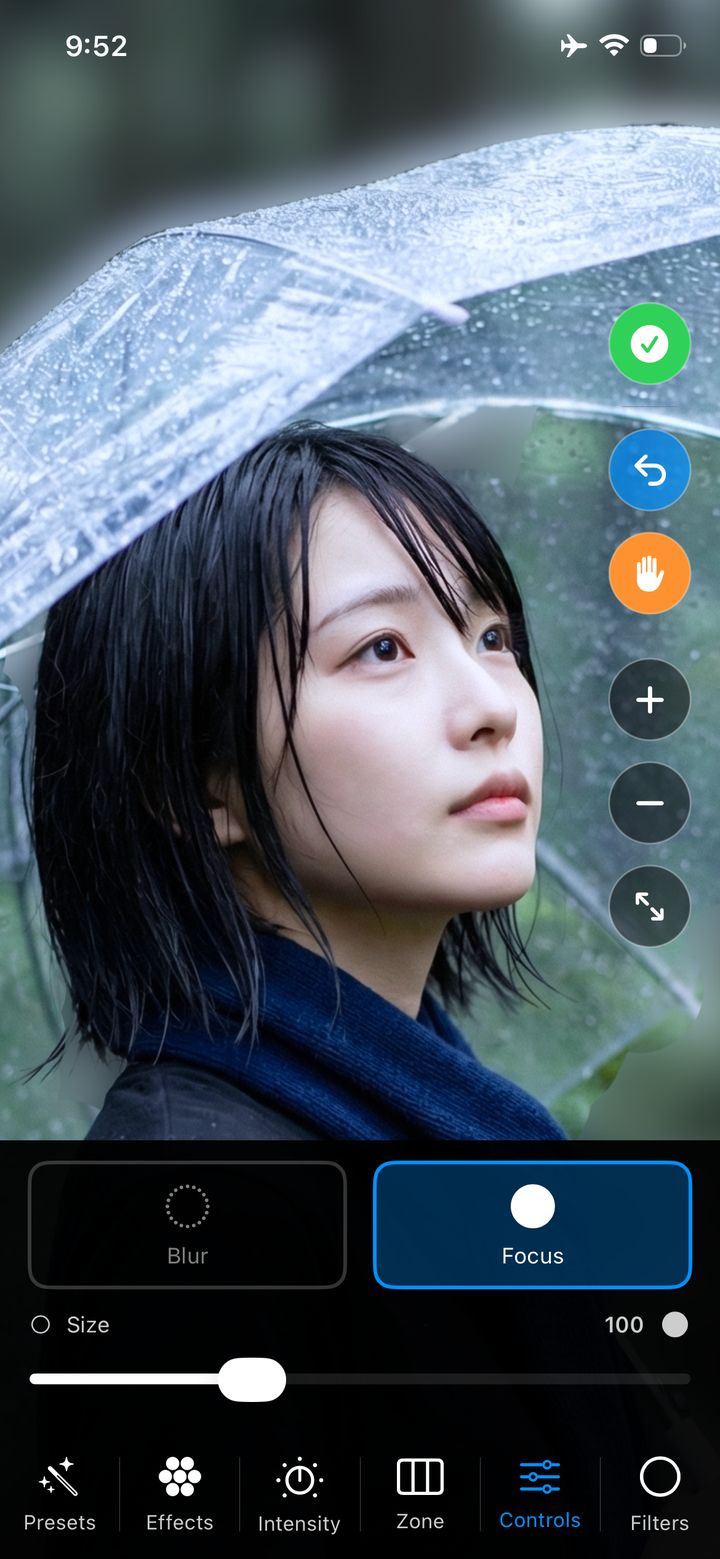
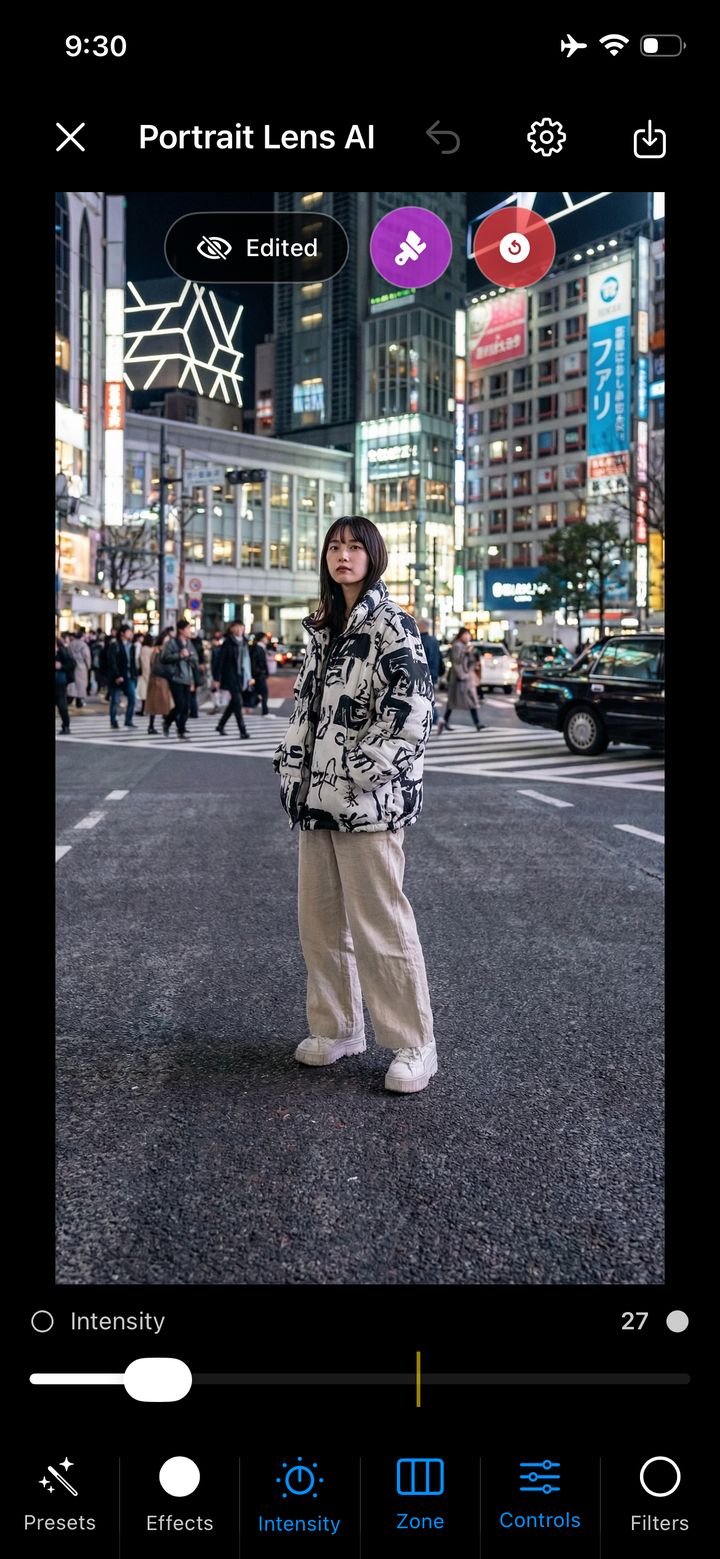
Inside Portrait Lens AI
Two focused demonstrations show how Portrait Lens AI turns a photo into a finished portrait directly on iPhone.
01 / App demonstration
See the interface, creative controls, and portrait editing experience in motion.
02 / App demonstration
Explore how the app brings focus, depth, and intention to an everyday photo.
Privacy is part of the product
Portrait Lens AI processes your images directly on your iPhone. No photo upload is needed, no external image server is involved, and the developer reports that the app collects no data.
Read the privacy policyPerson segmentation and image processing happen locally.
As disclosed in the app's App Store privacy information.
Every export creates a new image. Your source photo stays intact.
Start creating for free
Try the complete idea with three exports every day. Both Fast and Maximum Resolution are available in the free experience.
Free
Portrait Lens AI Pro
Made for real moments
Profile photos, family memories, social content, old favorites, and every portrait that deserves another look.
Build a recognizable visual style without moving to a desktop editor.
Create polished profile photos for LinkedIn, websites, and personal brands.
Recover depth, control focus, and finish portraits directly on iPhone.
Turn selfies and family photos into memories with stronger visual focus.
Good to know
No photo upload is needed. Person detection and image processing happen directly on your iPhone.
No. Each export creates a new image in your photo library, so the original remains untouched.
Yes. Use the Focus and Blur brushes, adjust brush size, and zoom in to refine difficult areas.
No. Use it with profile photos, family portraits, old pictures, creator content, or other images that feature a person.
Free users can export three images per day without a watermark on the final file. Fast and Maximum Resolution export are both available.
Pro adds unlimited exports, all advanced bokeh effects, filters, presets, manual tools, professional adjustments, and an ad-free experience.
Portrait mode for every photo
Choose a photo you already love. Give it depth, focus, and a reason to be shared again.
Free · In-App Purchases · Requires iOS 16.6 or later